How do I record in ultra-high quality (lossless)?
Generally, recorded video is usually compressed, which can cause some color loss compared to the original screen.
If you want to record in lossless mode, you can use the Lagarith Lossless Video external codec.
You can download it from the following address.
http://lags.leetcode.net/codec.html
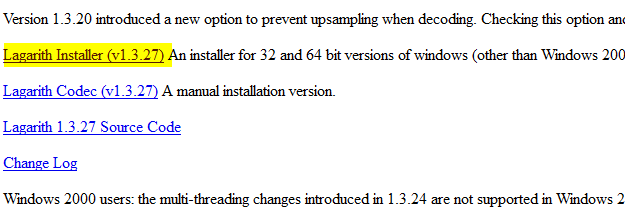
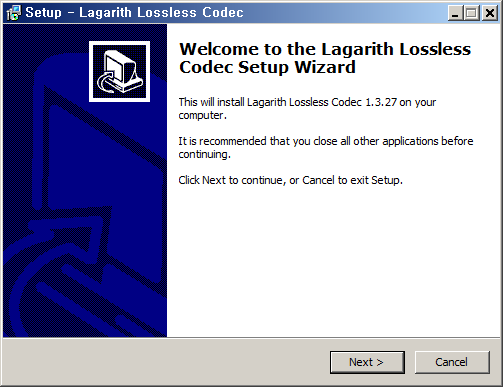
After downloading, install it as shown below.
If oCam is already running, restart it. Then in the oCam main window, click Codec - External Codec, check the Use External Codec box,
and select Lagarith Lossless Video from the list.
After selecting it, click Settings. The settings window opens as shown below. Usually you can leave it as is, but you can adjust it according to your environment.
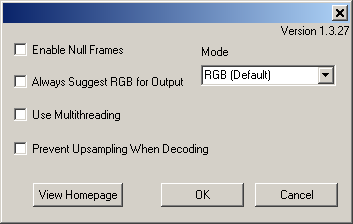
Note that this codec produces visually lossless video, but the resulting files are very large and decoding takes a long time, which may cause playback stuttering.
Therefore, this codec is generally better suited for editing purposes.
Today's News/Tips
Overview of CapturePlus Additional Features
CapturePlus provides a feature that lets users print captured screens for added convenience.
Print Feature
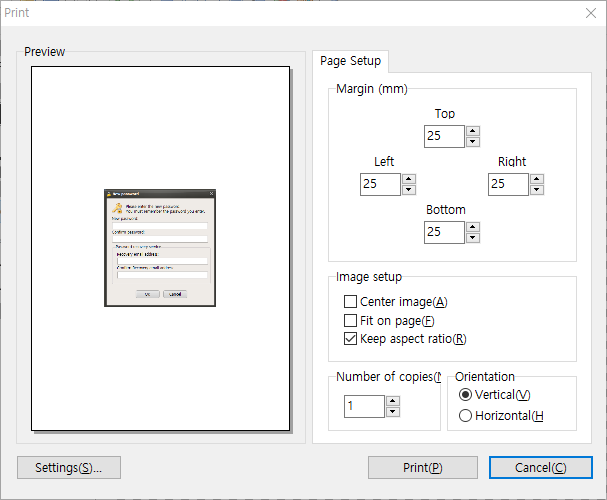
You can print captured screens directly to a printer with a variety of options.
The available options include margins, center alignment, fit to paper size, maintain original aspect ratio, paper orientation, and the number of copies to print.
CapturePlus also offers many more features throughout its menus than can all be listed here.
Once you try it, you will immediately see how powerful it is.