
 CapturePlus Free Download - Easy and convenient Screen Capture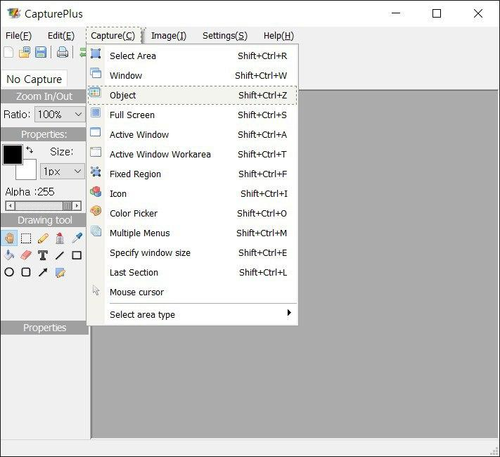
| Recommended spec | |
|---|---|
| CPU | pentium4 2.5GHz |
| MEMORY | 1G RAM |
| VGA | over 1024*768 16BIT |
| OS | 2003 / Vista / Windows 7, 8, 10 (32bit and 64bit) |
| LICENSE | 100% free(home and office) |

|
* Game recording supports Directx8 to Directx12, OpenGL.
Now when you go to the running game window, you will see a yellow FPS number display on the top left of the game screen.
* Check out various tips.Back to top |
 oCam
oCam  VirtualDVD
  CoffeeZip
  SecretFolder
  CapturePlus


