Watch Out for Fake "Windows Security" Alerts, and Install the Urgent Chrome Update
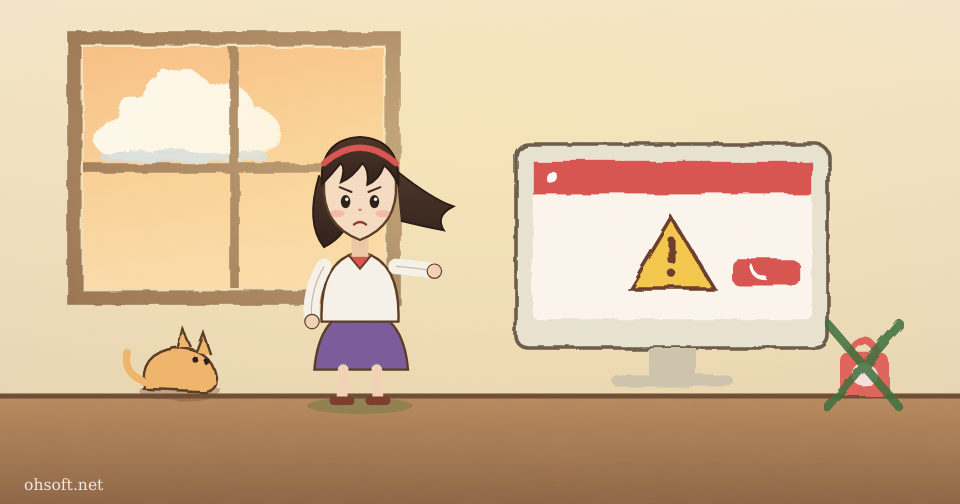
If a full-screen "virus detected" or "Windows Firewall warning" suddenly appears while you browse and tells you to call a support number, it is almost certainly a scam. These fake alerts are on the rise again, and Chrome has just shipped an urgent update for a security hole that is already being used in attacks.
Fake alert pages hosted on Microsoft's cloud
- According to research published by security firm PIXM in early November, scammers hosted fake "System Error" and "Windows Firewall" warning pages on Microsoft Azure storage and drew people in through ads on legitimate websites.
- Because the address ends in a Microsoft domain (windows.net), the page looks real, but every button and message leads to a "toll-free support" number. Some pages even open a fake support chat.
- The same kit appeared on screens at 80 organizations between March and October this year, and new pages were still being created every day in early November.
- If you call, they get you to install remote-control software, then charge for useless "repairs" or install malware.
What to do if you see one
- Never call, and don't click anything. Microsoft does not show phone numbers on web pages asking you to contact it.
- If the window won't close, press Ctrl + Shift + Esc to open Task Manager and end the browser. Don't click "Restore tabs" when you reopen it.
- To run a real scan, open Windows Security → Virus & threat protection → Quick scan from the Start menu yourself.
- If you already installed a remote-control program or gave out a card number, disconnect from the internet, remove the program, call your card company right away and change your important passwords.
Cyber Security News: Fake Windows security alerts hosted on Azure
Chrome fixes a security hole already used in attacks
- Google released a Chrome desktop stable update on November 9. According to reports, it fixes a memory bug (use-after-free) in Chrome's XML handling that is already being exploited. Bugs of this kind can let an attacker run code just by getting you to open a crafted web page.
- The US Cybersecurity and Infrastructure Security Agency (CISA) added the flaw to its list of actively exploited vulnerabilities on November 10.
- The fixed version is reported as 157.0.8103.50/.51 for Windows and Mac.
- In Chrome, click ⋮ → Help → About Google Chrome to check for and download the update, then click Relaunch to apply it. Update other Chromium-based browsers such as Edge the same way.
Chrome Releases: Stable Channel Update for Desktop (November 9) · Cyber Security News: CISA warns of Chrome zero-day
Blog
- How to Create a System Restore Point in Windows and Roll Back Your PC
- C: Drive Running Out of Space? How to Free Up Storage in Windows
- How to Pause Windows Updates and Uninstall an Update That Causes Problems
- Microphone Not Working in Windows? How to Fix It (Windows 10 and 11)
- Internet Keeps Dropping in Windows? How to Reset the Network and Change DNS
- PC Crashing or Apps Freezing? Find the Cause with Reliability Monitor
- YouTube Copyright Claim on Music? You Can Now Swap It for Free AI Background Music Outside the US
- Tesla Robotaxi Reaches 8 Cities, Optimus May Be Rented, Agility Goes Public, Claude Fable and Mythos 5.2, Gemini for Healthcare